Hardware, IoT & Devices
Prusa Research®
3D printers and printing materials designed and manufactured in Europe and USA
The story
CZECH REPUBLIC — Prusa Research® manufactures Original Prusa 3D printers, filaments, resins and accessories. Founded by Josef Prusa in 2012, the company designs and ships over 10,000 innovative 3D printers monthly from Prague and Delaware to 160+ countries.
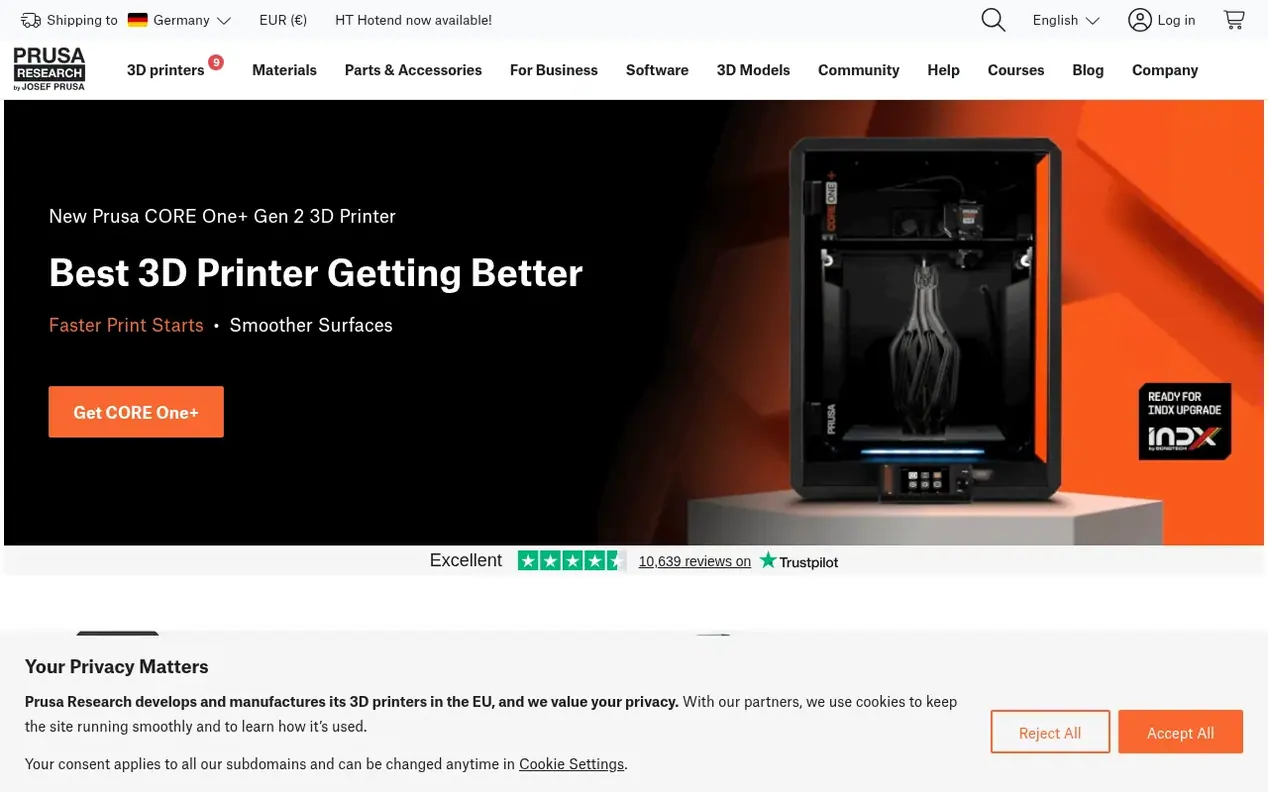
Questions and answers
Is CORE One+ good for beginners?
Yes. Despite being a fully-featured 3D printer, CORE One+ is designed for simplicity. Automatic bed leveling, factory-tuned print profiles, and a 10-minute setup mean you can go from unboxing to printing without prior experience. The printer handles the complexity and you just choose what to print.
Do I need any other software or tools?
No. PrusaSlicer is free and can be downloaded from the website. It comes with 200+ print profiles (pre-made settings). A standard computer (Windows, macOS, or Linux) is all you need to prepare print files, or you can use the Prusa app from your smartphone. The printer connects via Wi-Fi, Ethernet, or USB with no subscriptions or recurring costs.
How does CORE One+ compare to MK4S?
Both are excellent printers sharing the same Nextruder, firmware, and ecosystem. The key difference is the enclosure: CORE One+ actively controls chamber temperature for materials like PC, nylon, and ASA. MK4S is an open-frame printer at a lower price. If you primarily print PLA and PETG, MK4S is a great choice. If you want material versatility and quieter printing, CORE One+ is better.
What is the build volume of CORE One+?
The CORE One+ has a build volume of 250 × 220 × 270 mm (14.9 liters).
How long does setup take?
Setup takes approximately 10 minutes from unboxing to first print. After unboxing and plugging in the printer, you run a one-time automatic calibration and the printer handles leveling and sensor checks on its own, with no manual adjustment or guesswork required.
 Flipper Zero
 Zinn Hub
 Zinn Digital®
 PBN LTD