
Page Builder Sandwich vs Elementor
The comparison Page Builder Sandwich published with its listing, against its main competitor, Elementor.
Elementor swaps the standard WordPress editor for a drag-and-drop canvas of its own. Page Builder Sandwich works with the native block editor, or opens a full-screen editor of its own. It stores plain blocks. Pages load lighter and remain readable if you remove the plugin.
Page Builder Sandwich stands out
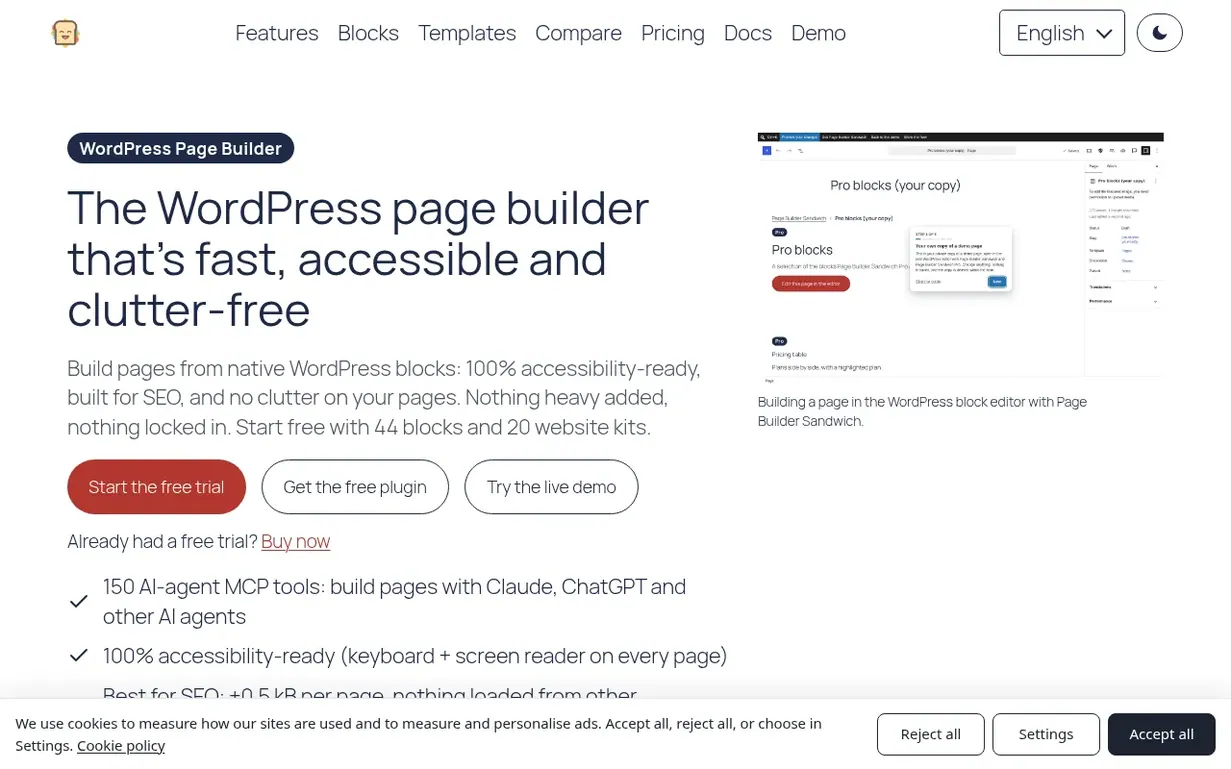
Every page is stored as standard WordPress blocks. No single builder holds your content hostage.
One measured test page tells the story. Page Builder Sandwich added +0.5 kB and no outside requests. Elementor's free plugin added +156.4 kB and 3 requests to other companies' servers.
The free plugin includes the accessibility checker.
Pro converts Elementor pages into blocks. The source page is left exactly as it was.
Elementor is strong
Elementor offers a live visual drag-and-drop canvas. Many WordPress users know it well.
Its free plugin is large. It ships many widgets for headings, images, buttons and galleries.
Both
Each tool is a visual page builder for WordPress. Each has a free plugin and paid plans.
Each gives AI tools a route to work on a site.
Where they differ
Elementor works away from the block editor, while Page Builder Sandwich works within that editor.
On every page, Page Builder Sandwich loads only the styles for the blocks in use. Those styles come from your own site.
Its MCP server hands AI agents such as Claude 150 tools. Your WordPress permissions set the limit.
Written by Page Builder Sandwich.
Back to Page Builder Sandwich's listing, or visit Elementor (opens in a new tab). More comparisons.